
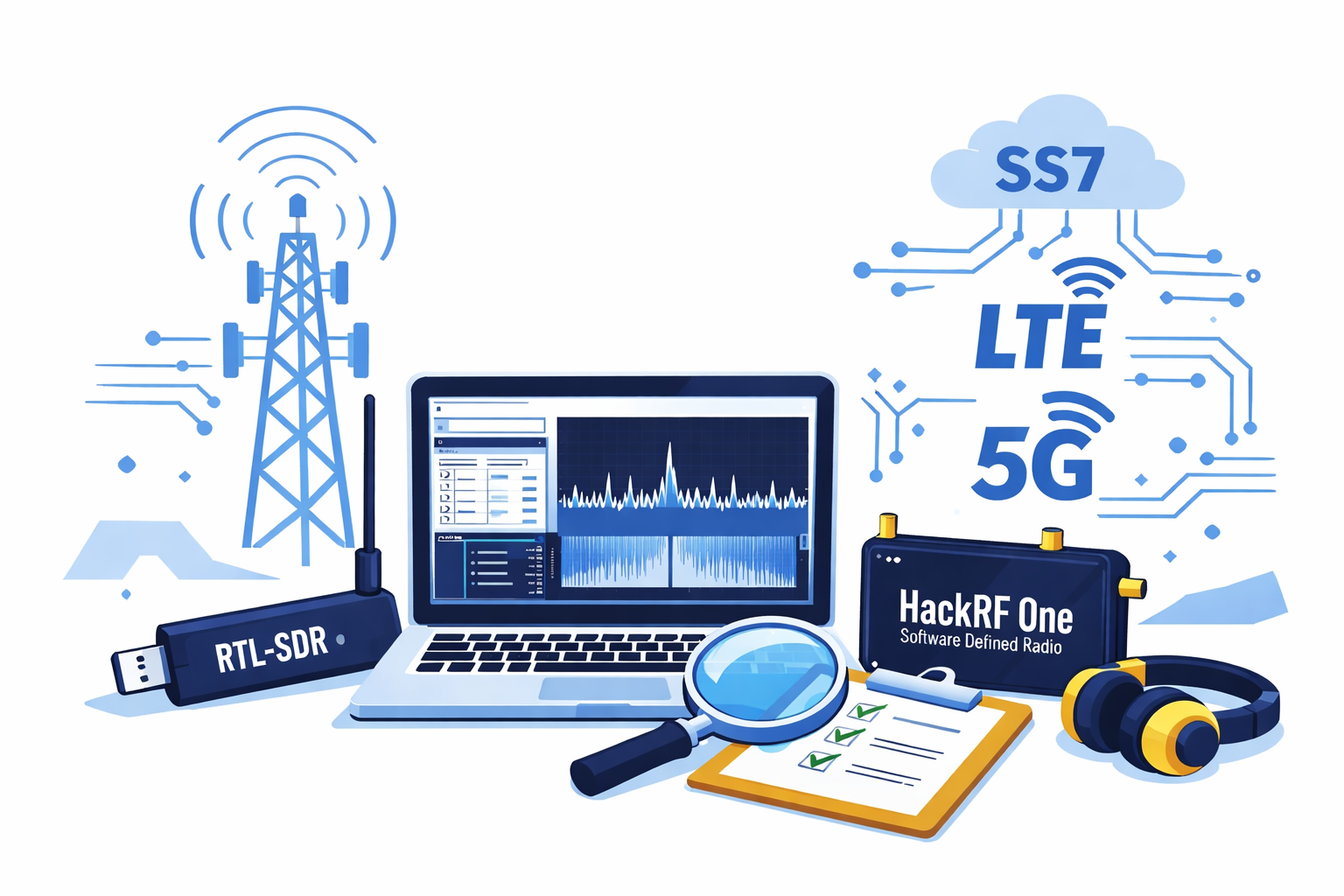
Wireless networks are the invisible backbone of modern communication, powering everything from simple phone calls to high-speed 5G data connections. In this hands-on lab guide, we explore the fascinating world of Software Defined Radio (SDR) and mobile network technologies including GSM, SS7, GPRS, LTE, and 5G. You’ll learn how to analyze real radio signals, understand how mobile networks operate, and discover where vulnerabilities can exist. Disclaimer: This content is provided strictly for educational and ethical cybersecurity purposes. All techniques demonstrated are intended for use in controlled lab environments only. Unauthorized interception, transmission, or exploitation of wireless communications is illegal and strictly prohibited.
⚠️ Lab Disclaimer
This lab is strictly for educational purposes.
- Do NOT intercept real communications
- Do NOT transmit signals without a license
- Perform only passive monitoring on allowed frequencies
🛠️ Lab 1: Setting Up Your SDR Environment
🎯 Objective
Install and configure SDR tools on Linux.
🧰 Requirements


5
- RTL-SDR dongle (recommended for beginners)
- Ubuntu Linux (or Kali Linux)
- Internet connection
🔧 Step 1: Update System
sudo apt update && sudo apt upgrade -y
🔧 Step 2: Install SDR Tools
sudo apt install rtl-sdr gqrx-sdr gnuradio -y
🔧 Step 3: Plug in RTL-SDR & Test
rtl_test
✅ Expected output:
- Device detected
- No errors
🔧 Step 4: Fix Driver Conflicts (if needed)
sudo nano /etc/modprobe.d/blacklist-rtl.conf
Add:
blacklist dvb_usb_rtl28xxu
Then reboot:
sudo reboot
📡 Lab 2: Scanning Radio Frequencies
🎯 Objective
Visualize and explore RF signals.
▶️ Step 1: Launch GQRX
gqrx
▶️ Step 2: Configure Device
- Device: RTL-SDR
- Frequency: Start with 100 MHz (FM radio)
- Mode: WFM
▶️ Step 3: Explore Spectrum
Try scanning:
| Band | Frequency |
|---|---|
| FM Radio | 88–108 MHz |
| Airband | 118–137 MHz |
| GSM | 900 / 1800 MHz |
🧠 What You Learn
- Signal strength (dB)
- Noise vs real signal
- Frequency hopping basics
📡 Lab 3: GSM Signal Detection
🎯 Objective
Identify GSM channels passively.
🔧 Step 1: Install GSM Tools
sudo apt install gr-gsm -y
🔧 Step 2: Run GSM Scanner
grgsm_scanner
📊 Expected Output
- ARFCN (channel number)
- Frequency
- Signal power
🔍 Step 3: Analyze a Channel
grgsm_livemon -f <frequency>
Example:
grgsm_livemon -f 947.6M
🧠 What You Learn
- How GSM towers broadcast
- Channel allocation
- Signal identification
🌐 Lab 4: LTE Cell Detection (Passive)
🎯 Objective
Detect LTE base stations.
🔧 Step 1: Install LTE Tools
sudo apt install srsran -y
▶️ Step 2: Scan LTE Bands
sudo srsran_cell_search
📊 Output Includes
- Cell ID
- Frequency
- Signal strength
🧠 What You Learn
- LTE broadcast structure
- Cell identification
- Network presence
📶 Lab 5: Signal Analysis with GNU Radio
🎯 Objective
Visualize signals in detail.
▶️ Step 1: Launch GNU Radio
gnuradio-companion
▶️ Step 2: Create Flowgraph
Add blocks:
- RTL-SDR Source
- FFT Sink
- Waterfall Sink
▶️ Step 3: Run Analysis
- Tune frequency
- Observe modulation patterns
🧠 What You Learn
- Signal modulation visualization
- Spectrum analysis
- Real-time RF behavior
🧪 Lab 6: Passive IMSI Catcher Concept (Simulation)
🎯 Objective
Understand how IMSI catchers work (NO real attack).
🧠 Concept Only (NO execution)
Steps:
- Fake base station advertises stronger signal
- Devices connect automatically
- Identity (IMSI) is requested
🛑 Important
Do NOT attempt:
- Building rogue BTS
- Intercepting user data
- Transmitting GSM signals
🔐 Lab 7: Defensive Techniques
🎯 Objective
Understand protection mechanisms.
🧪 Test: Detect Weak Signals
Use:
grgsm_scanner
Look for:
- Unexpected strong signals
- Unknown frequencies
🛡️ Defensive Measures
- Disable 2G on phone
- Monitor RF environment
- Use secure apps
📊 Lab Report Template
Students must submit:
1. Environment Setup
- OS used
- SDR device
2. Frequency Observations
- Bands scanned
- Signals detected
3. GSM Analysis
- Channels found
- Signal strength
4. LTE Analysis
- Cells detected
- Observations
5. Conclusion
- What vulnerabilities exist?
- How can they be mitigated?
🎓 Bonus Challenge
👉 Build a simple RF monitoring dashboard using:
- Python
- GNU Radio output
- Web interface